EcuaPass field guide · 9 October 2026 edition
Ecuador eVISAS Portal Walkthrough
Keep an English guide beside you as you navigate Ecuador's visa portal. Follow the documented steps from account setup to payments, corrections and emailed visa delivery.
- Length
- 20 pages
- Format
- English PDF
- Price
- $19 USD · one time
PDF emailed after confirmed payment, with private download access for 90 days.
Purchase and personal-use terms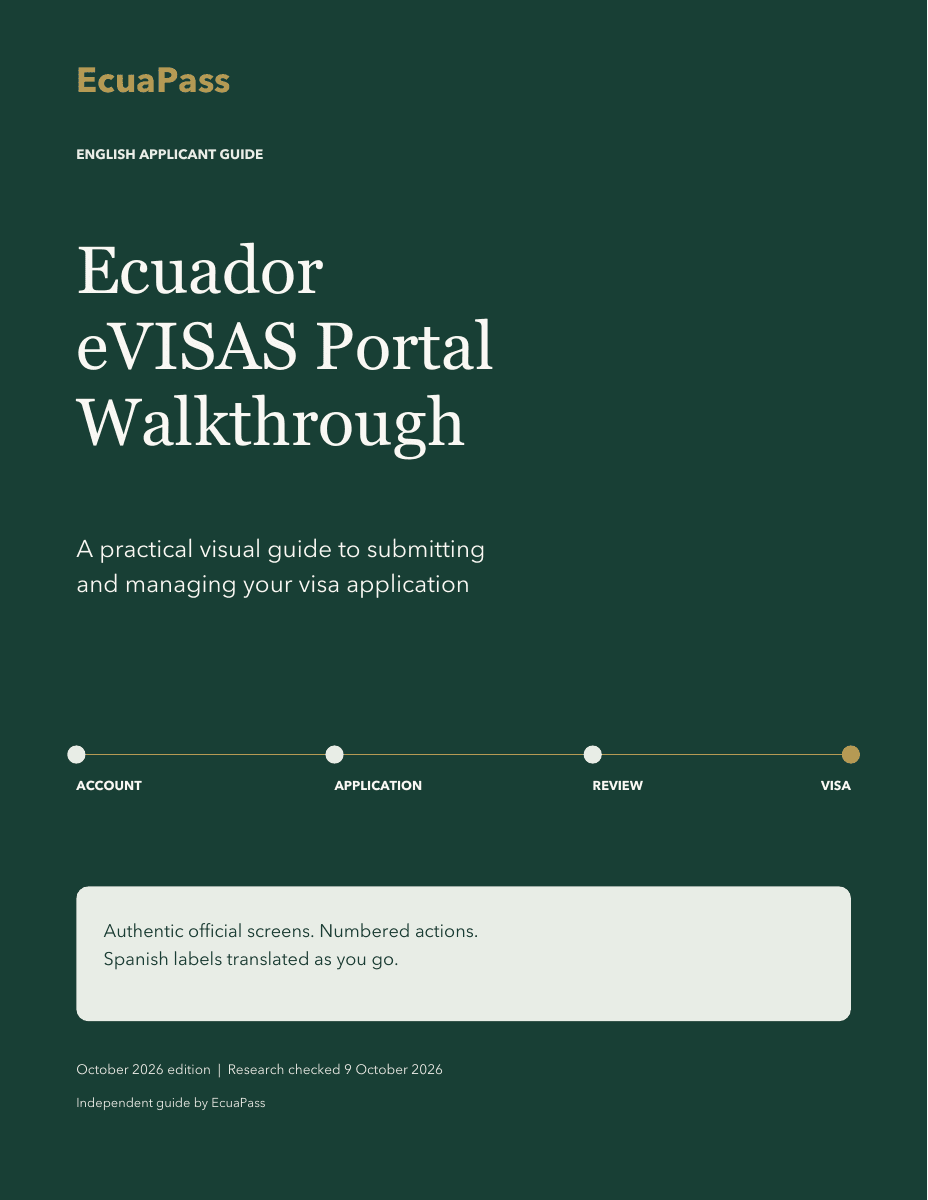
Inside the guide
Know what comes next.
Annotated screenshots, clearly labelled diagrams and practical checks help you understand the portal's stages and the information to review at each one.
Set up your account
Find the language controls, register, check your profile and sign in. Spanish field labels are explained in English.
Prepare the application
Follow the documented service and category sequence, applicant information, photo and supporting-document steps.
Understand both payments
Distinguish the initial application payment from the later payment after approval, and check payment confirmation.
Follow review and corrections
Read status labels and an officer's comment, understand the correction period, and check that your response is acknowledged.
Receive the visa
Understand emailed visa delivery and how a cédula order relates to the separate physical identity-card process.
Work through problems
Use the access, upload and payment troubleshooting guidance, official support references and Spanish glossary.
Screens and sources
The dates are part of the guide.
- 9 October 2026
- Public portal entry, language and sign-in screens observed for this edition.
- 11 July 2024
- Historical application screens from the official Ministry video tutorial, identified by date in the guide.
Official procedure pages and Ministry documents support the written steps. Live authenticated actions were not tested. Current signed-in controls, field order and upload limits may differ; follow the live portal and your category's current official instructions.
Before you purchase
A few useful details.
What will I receive?
One 20-page English PDF, edition 9 October 2026, for your personal use. It includes portal instructions, annotated screenshots, diagrams, a checklist, a Spanish glossary and clickable official references. You can save and print your copy. Future editions are not included.
How is the guide delivered?
After payment is confirmed, the PDF and a private download link are emailed to your checkout email address. The link provides access for 90 days; save the PDF for continued personal use. No intake or appointment is required. For a delivery problem, contact info@ecuapass.com with your order reference.
Will this tell me which visa I qualify for?
The guide explains the shared portal workflow for ordinary visitor and residence applications. It does not assess visa eligibility or provide individual advice, document review or application filing. Review your visa category's official requirements before applying. Government fees and other application costs are separate from this purchase, and Ecuadorian authorities decide applications.
Are all the screenshots current?
The public entry and sign-in screens were observed on 9 October 2026. Application screenshots are dated historical examples from the official 11 July 2024 tutorial. Live authenticated actions were not tested, and current controls may differ. The guide identifies these limits and links to the official sources used.
20-page English PDF · 9 October 2026
Your reference for the portal.
One-time purchase. Save your copy and refer to it as you prepare.